
WattDip
Track ComEd hourly electricity prices for the Chicago area on iPhone and iPad. Add a Home Screen widget and get alerts when prices cross an amount you choose.
See the price and its direction
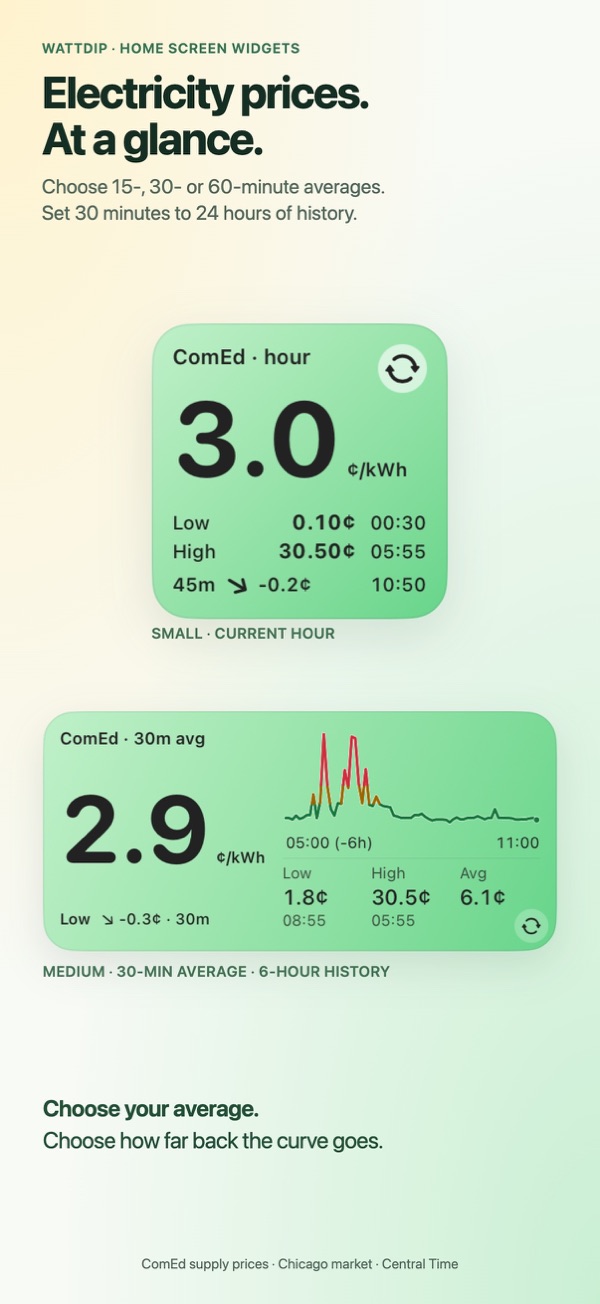
- Clear Home Screen widgetsChoose a small or medium widget, then select the current hour average, live price or a trailing average.
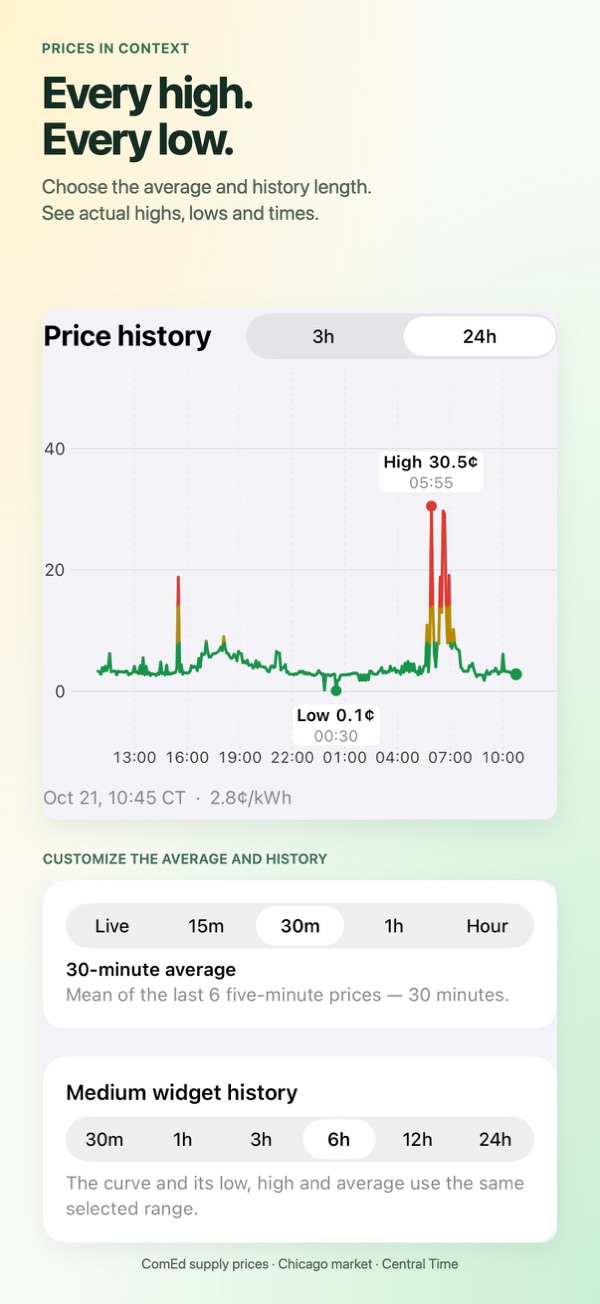
- History that fits your dayChoose a history range for the medium widget. Its low, high and average follow the same range.
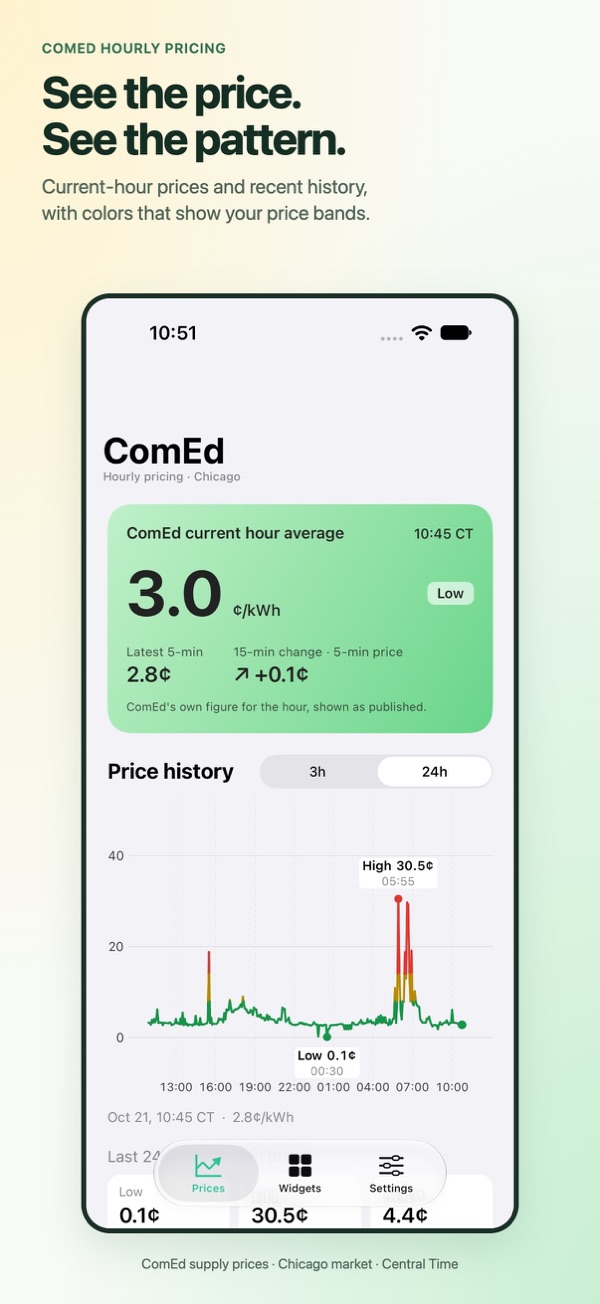
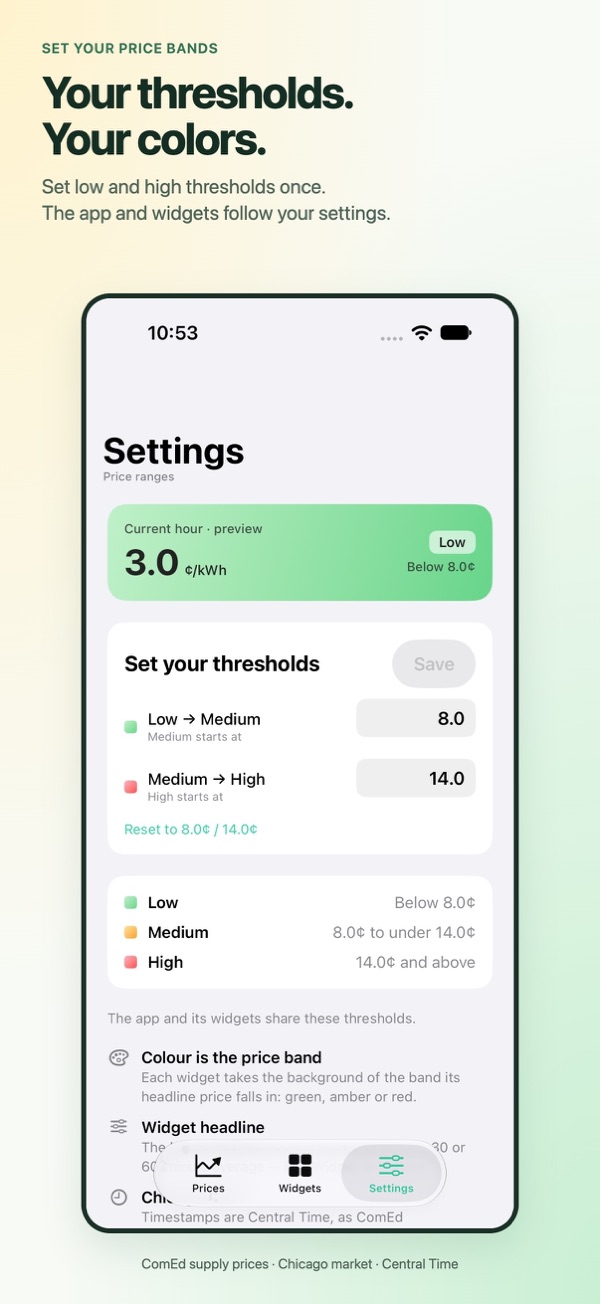
- Your price thresholdsSet low and high thresholds. Green, yellow and red show price bands in the app and widgets.
- Explore beyond the widgetView today’s hourly prices, available day-ahead estimates and week, month or year history.
Price alerts and WattDip Pro
Get an alert when the price goes above or below an amount you set. Choose the latest five-minute price or a 10–60-minute average, active hours and how often alerts repeat.
WattDip is free to download for iPhone and iPad with iOS 17 / iPadOS 17 or later. One active alert and Classic Home Screen widgets are free. An optional yearly Pro subscription adds multiple active alerts and Black Titanium widgets, with two price readouts and a history chart in the medium size.
For ComEd Hourly Pricing
Data is for ComEd’s Chicago market, and times use Central Time. Supply prices exclude delivery charges, taxes and fees. Day-ahead values are estimates, not final billed prices. Alerts and widget updates may be delayed by ComEd’s data availability, your connection or iOS.
WattDip is independently developed by Flamesilk LLC and is not affiliated with ComEd. No utility login or meter connection is needed.
Local settings, simple support
Price thresholds and cached prices stay on your device. Optional alerts use our notification service; Apple handles Pro subscriptions. There are no ads or third-party analytics SDKs. Read our privacy policy or visit support.